
Last week alone, seven new AI design tools were launched.
Each one promised smarter outputs, better layouts, sharper visuals, and more “human” results. If you tried to keep up, you probably opened a few tabs, skimmed a landing page, watched half a demo, and told yourself you’d test it later.
The vast availability of these tools has nullified access as an issue. Now, the challenge is deciding what’s actually worth your time.
If you’re building a landing page, shaping a brand system, generating product visuals, or refining typography, you don’t need thirty AI design tools fighting for your attention. You need the right one for the specific outcome you care about.
In this guide, we have the 13 best AI design tools currently available in the market, from both free and paid tiers. We have chosen the top ones considering factors like graphic design, UI/UX, web design, typography, product photography, and creative asset generation.
If you want to know which ones deserve a permanent tab, you’re in the right place.
Quick comparison table: best AI design tools in 2026
13 best AI design tools (one per category)
1. Reve — best for graphic design and prompt-precise image generation
Reve is the most underreported tool in the graphic design category right now. It currently leads the Artificial Analysis leaderboard for prompt adherence, which means its outputs match what you actually asked for more accurately than most competing generators.
The Halfmoon model, at its core, was trained with a typography engine built on 50 million font samples, which makes it unusually capable for design-specific prompts that involve text placement, layout direction, and visual style. It's not the tool for loose, artistic exploration.
If you've been stuck in the tweak and burn cycle with other generators, Reve is worth testing before anything else.
Top features:
- Halfmoon model currently tops the Artificial Analysis leaderboard for prompt adherence across all major generators
- Typography engine is trained on 50 million font samples, producing stronger text handling than most alternatives
- Style precision generates outputs that stay close to the described visual style without drifting across iterations
Pricing: Free tier available with daily limits; Paid plans from $10/mo
2. Freepik AI — best for stock plus AI generation in one place
Most designers already use Freepik for stock assets. What most don't realize is that Freepik now combines a 200M+ asset library with multi-model AI generation tools in one subscription, covering image generation, background removal, upscaling, and mockup creation.
Instead of paying separately for a stock library and an AI generator, Freepik covers both. The generation quality is solid rather than exceptional, but the combination of an enormous stock library and functional AI tools at an affordable price point makes it the most practical all-in-one visual resource for designers working at volume.
For freelancers and small studios that spend time jumping between stock sites and AI generators, consolidating to one platform saves money and friction.
Top features:
- 200M+ asset library combines stock photos, vectors, illustrations, and templates with AI generation in one subscription
- Multi-model generation system gives access to multiple image generation models within one interface
- Background removal and upscaling are some practical editing tools built in alongside generation
- Mockup creation helps generate product and device mockups directly within the platform
Pricing: Free tier available; Premium from $7/mo (annual)
3. Kittl — best for branded graphic production and text effects
Kittl is built specifically for text effects and branded graphic production rather than general image generation, which makes it a different kind of tool from Reve or Freepik. It runs on a multi-model backend including Flux 1.1 Pro and DALL-E 3, and produces templates, logos, and merchandise-style graphics that look finished from the first generation rather than requiring heavy cleanup. The text effects in particular are strong enough to use in final outputs without a separate typography pass, which saves a step that most other generators require.
If your work involves branded social content, logo exploration, or merchandise graphics, Kittl is the tool that will earn a permanent spot in your workflow fastest.
Top features:
- Multi-model backend includes Flux 1.1 Pro and DALL-E 3, providing strong generation quality across different asset types
- Text effects engine produces typography-based graphics that are usable without heavy post-processing
- Brand-ready templates generated outputs lean toward finished, designed results rather than raw generations
- Vector output exports clean files suitable for logos and scalable brand assets
Pricing: Free tier available; Pro from $10/mo (annual)
4. Ideogram — best for typography and poster design
Text-in-image has historically been the biggest failure point for AI generators. Bad hands used to be the joke; bad text is the current one. Ideogram is the tool that actually solves it.
It leads the category for text-in-image generation with approximately 90% typography accuracy, the highest of any publicly available model right now. For any design where the text is part of the visual rather than added in post, quote cards, event posters, announcement graphics, product labels, Ideogram produces usable output on the first or second attempt rather than the tenth.
The free tier is generous enough to cover most casual use cases, and the output quality on text-forward design is far ahead of what general-purpose generators produce for the same prompts.
Top features:
- ~90% text accuracy gives the highest text-in-image accuracy of any major publicly available model
- Poster and announcement templates generate structured outputs for common design formats built around text legibility
- Style presets cover design styles from editorial to product-focused, without complex prompting
Pricing: Free tier available; Basic from $8/mo (annual)
.webp)
5. Recraft — best for vector design and scalable brand assets
Recraft is the only major AI image generator that produces native SVG files rather than raster images. Every output is a scalable, editable vector that can be resized for any format without quality loss. That single fact makes it a fundamentally different tool from every other generator on this list, and the most relevant one for designers who work at scale across multiple formats and sizes.
It also has a reference-based brand consistency system, meaning you can lock in a visual style and have outputs stay on-brand across multiple generations without re-prompting from scratch each time. For agency teams producing assets across a range of formats, and for brand designers who need consistency across an entire visual system, that is the problem it quietly solves.
Top features:
- Native SVG output makes Recraft the only major AI generator producing scalable, editable vector files directly
- Reference-based consistency locks in a visual style and maintains it across multiple generations
- The icon and logo generation feature is purpose-built for the kinds of assets that need to work at any size
- Brand system support is structured around producing consistent assets across a visual identity rather than one-off images
Pricing: Free tier available; Pro from $12/mo (annual)
.webp)
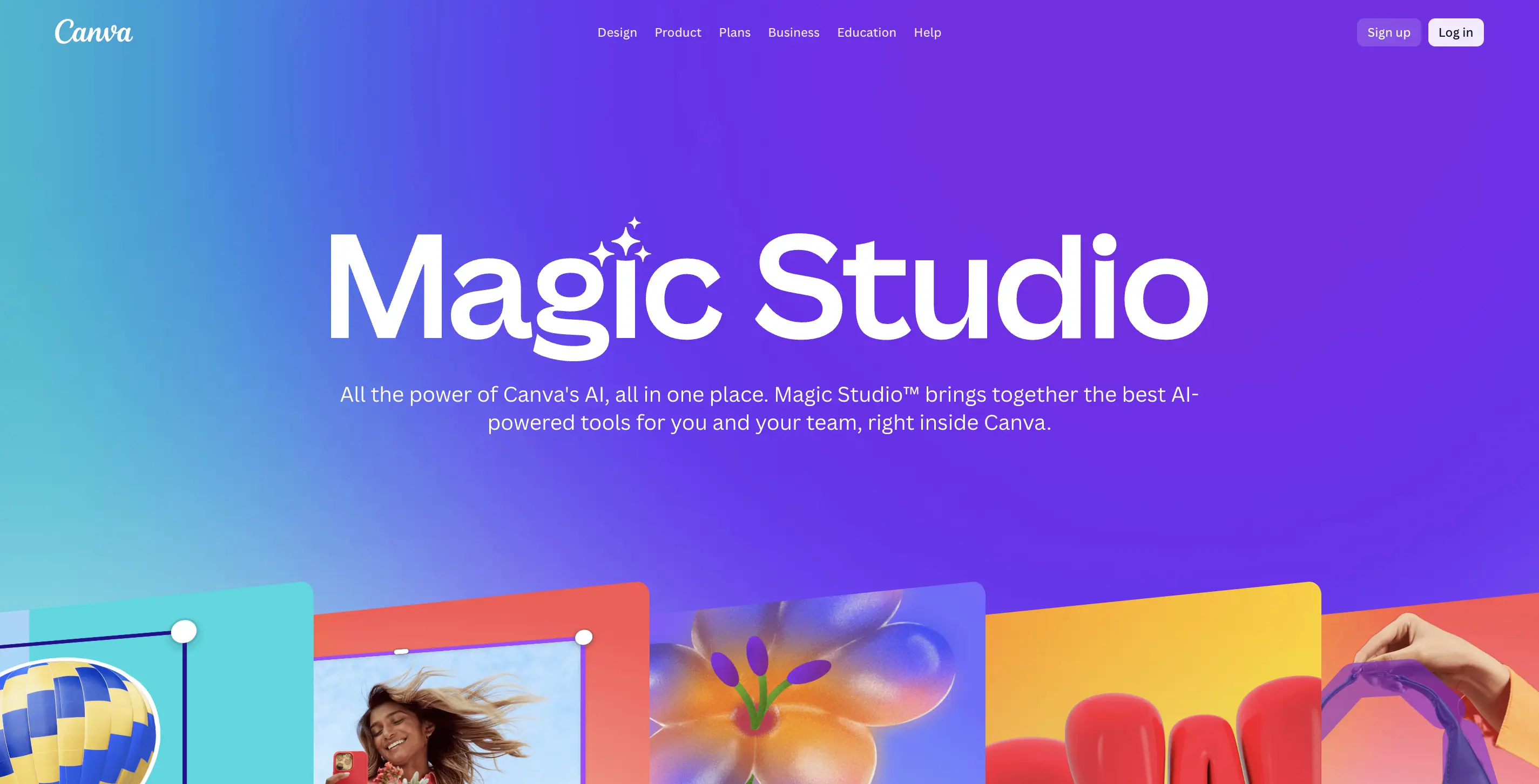
6. Canva Magic Studio — best for non-designers and marketing teams
Canva is where most non-designers and marketing teams already live. Magic Studio is the AI layer on top of it, and it's genuinely useful rather than gimmicky. You get 25+ AI tools built into the same interface, which means no tab switching, exporting to another tool, or re-uploading.
The only limitation is that the output has a recognizable Canva aesthetic that experienced designers notice immediately, and the generation quality sits below dedicated generators. That said, for someone who needs a result in five minutes without a learning curve, nothing else comes close. It is best for non-designers, marketing teams, small business owners, and anyone who needs professional-looking output without design training.
Top features:
- Magic Design generates on-brand social posts, carousels, and presentations from a text prompt
- Magic Resize reformats any design for every platform in one click, no manual adjustment needed
- Background Remover produces clean product image cutouts without Photoshop
- Magic Write is the AI copywriting feature for captions and short text within the canvas, without any need for a separate tool
Pricing: Free plan available; Pro from $15/mo per user; Teams from $10/user/mo (3-user minimum)
💡 Also worth knowing: Microsoft Designer is a free alternative for teams already in the Microsoft 365 ecosystem, covering branded visual content creation at no extra cost.
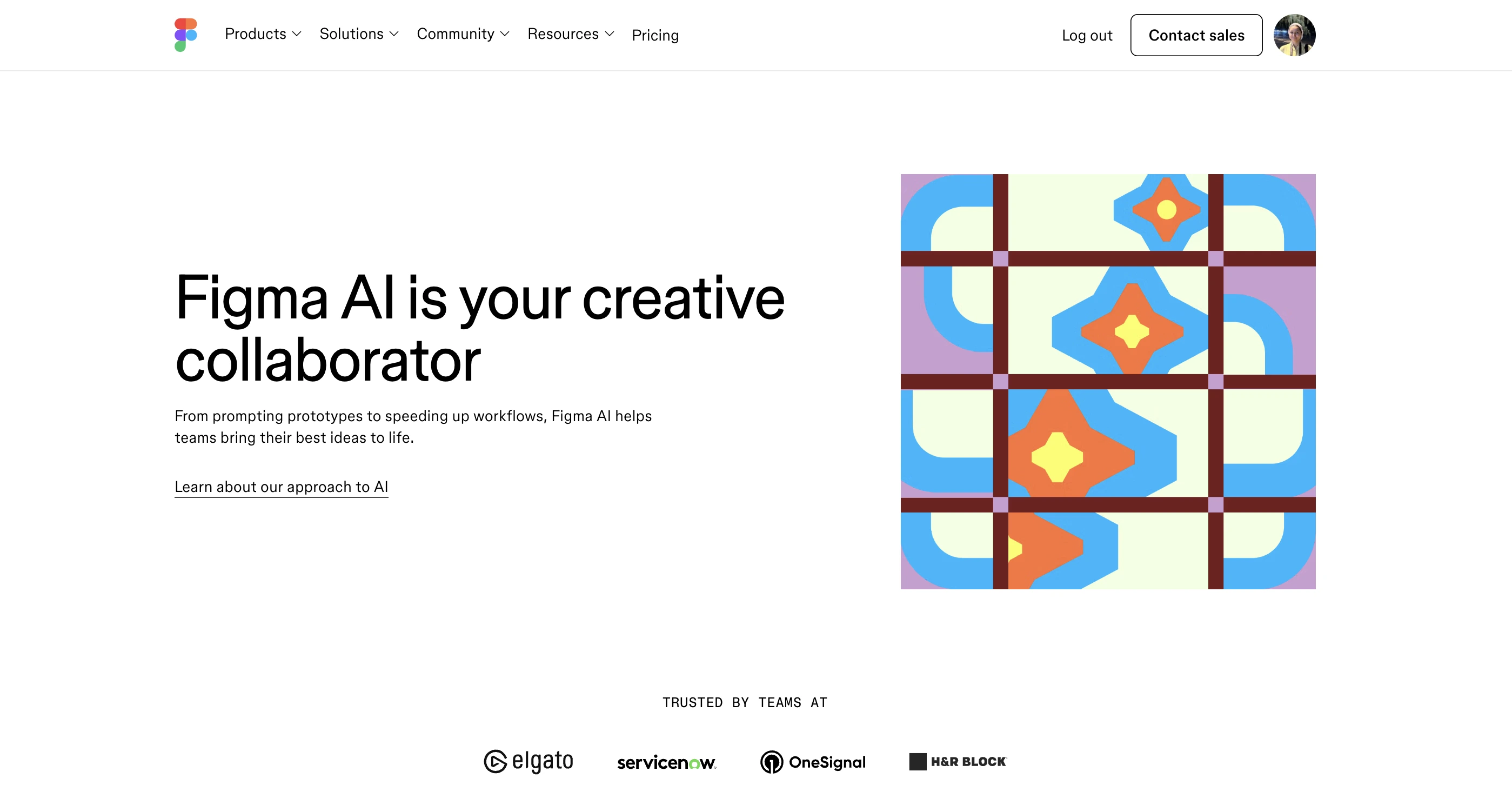
7. Figma AI — best for UI/UX design and design systems
Figma AI is the professional standard for product and UI design, now with AI built natively into the design canvas rather than bolted on as a separate feature. First Draft generates multi-screen UI layouts from a text prompt. Auto-layout cleanup reorganizes existing design files into developer-friendly structures. AI-powered layer renaming and asset vectorization save real hours on production work that used to be done manually.
The key distinction from tools like Uizard or Galileo is that Figma AI is built for designers who already know what they're doing and want AI to accelerate their existing workflow, not replace the workflow entirely. If you're managing a design system, collaborating with engineers, or producing work that needs to meet production standards, Figma AI is where that work happens.
Top features:
- First Draft generates multi-screen, component-aware UI layouts from a text description
- Auto layout cleanup feature reorganizes design files into developer-ready structures automatically
- Layer renaming and asset vectorization handle the tedious production tasks that eat time
- Native canvas integration lets the AI work inside your existing Figma files, not as a separate step
Pricing: Free tier available; Professional from $15/user/mo; Organization from $45/user/mo
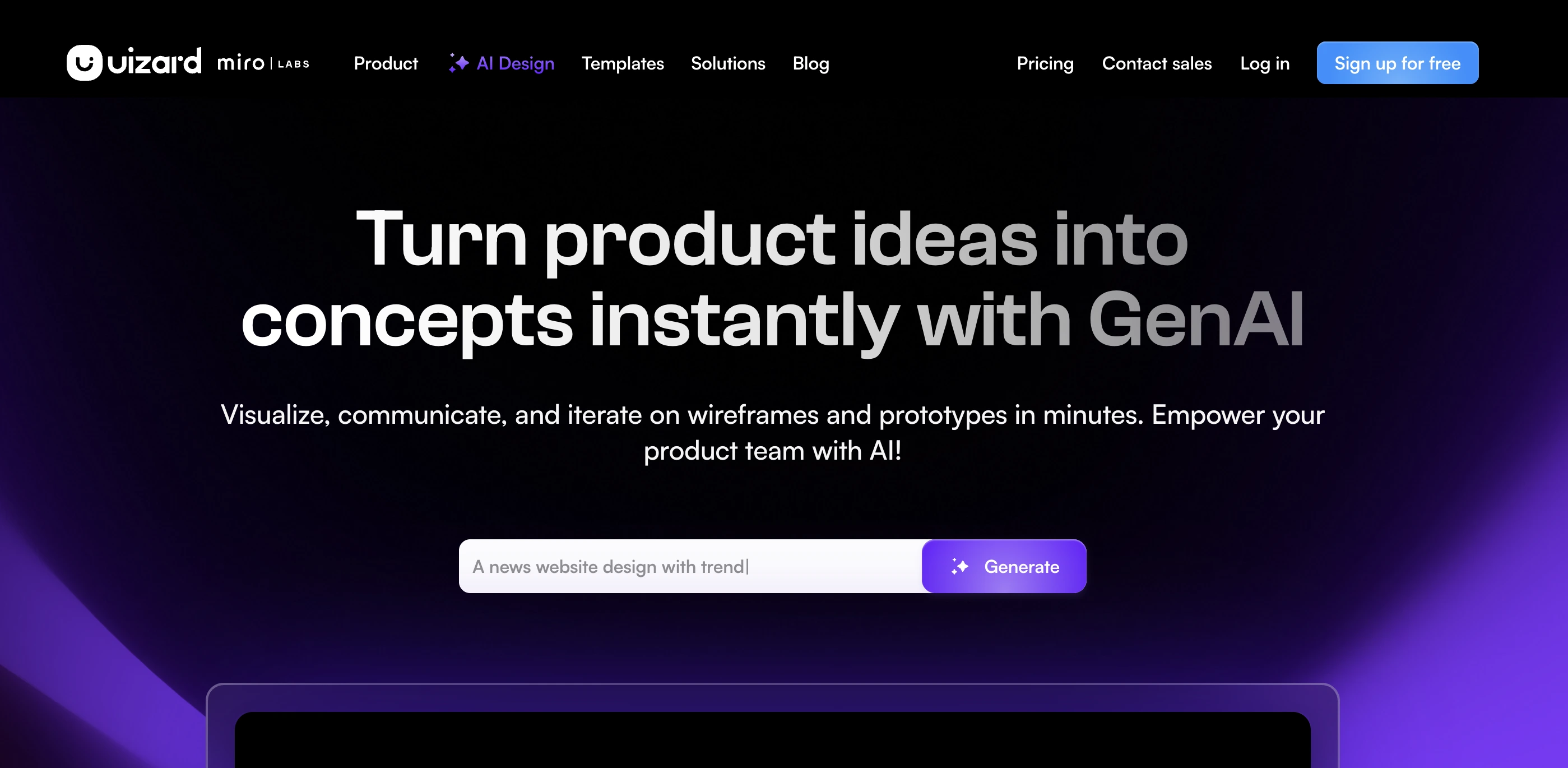
8. Uizard — best for sketch-to-wireframe and non-designer prototyping
Uizard converts hand-drawn wireframe sketches into high-fidelity, themed digital interfaces. It also converts screenshots of existing apps or websites into editable designs. The primary value is speed: going from a napkin sketch or a rough idea to a testable prototype without opening Figma or learning any design software.
While Figma AI is built for designers working at production quality, Uizard is built for everyone else who needs to communicate interface ideas, early-stage founders, product managers, UX researchers, and startup teams that don't have a designer yet but still need to move fast.
Top features:
- Sketch-to-UI converts hand-drawn wireframe photos into themed digital interfaces
- Screenshot-to-design turns screenshots of existing apps into editable Uizard projects
- Auto designer feature generates full multi-screen app designs from a text description
- Themes and components apply consistent visual styling across generated screens automatically
Pricing: Free tier available; Pro from $12/mo (annual)
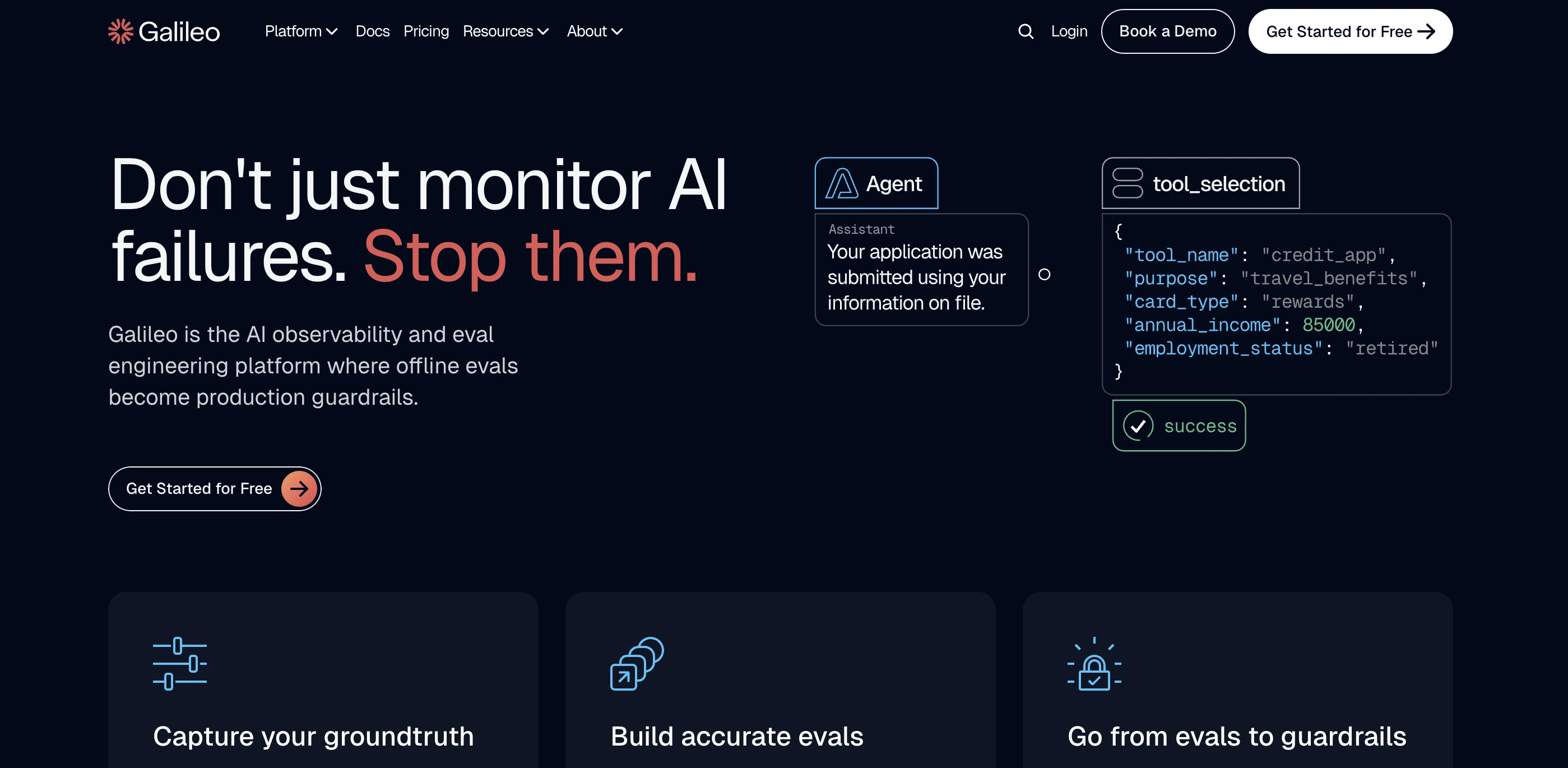
9. Galileo AI — best for text-to-UI for product teams
Galileo AI is the most underreported tool in the UI design category. It generates production-quality UI screens from a text prompt with a focus on component consistency and reusability rather than one-off screen generation. The output is designed to look like it came from a real design system, not a random collection of elements.
For product teams that need to move from a written brief to design-ready screens fast, particularly in early-stage development where iteration speed matters more than pixel perfection, it's the most direct tool available.
Top features:
- Text-to-UI generation produces full UI screens from a written prompt with consistent component usage
- Design system awareness feature generates outputs that use consistent spacing, typography, and component patterns rather than random generation
- High iteration speed helps generate multiple screen variations quickly for early-stage product exploration
- Outputs are structured for handoff rather than just visual mockups
Pricing: No free tier; Plans from $29/mo
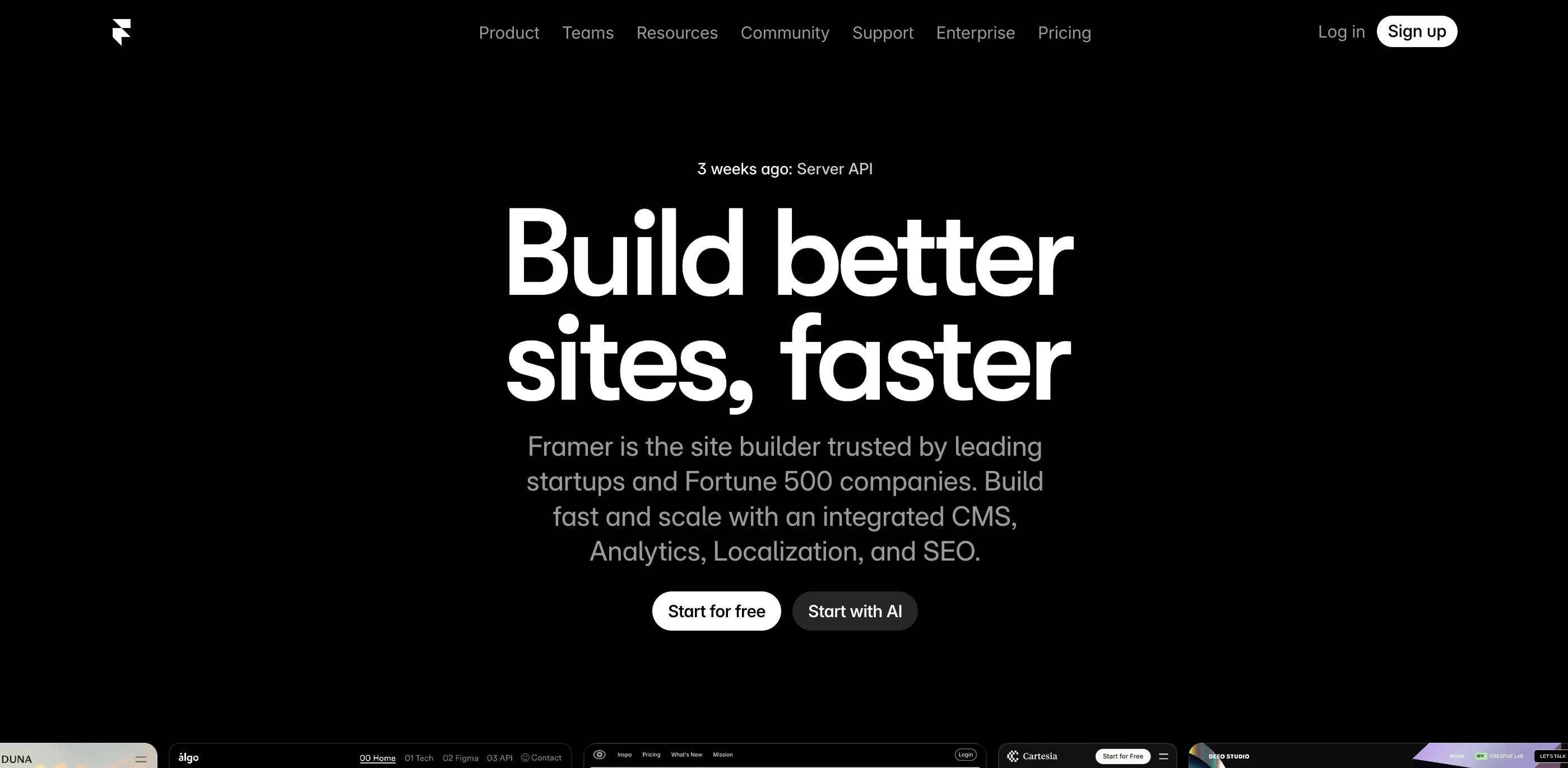
10. Framer — best for AI-generated responsive websites
Framer generates responsive, publish-ready websites from a text prompt or an existing design. It sits in the overlap between design tool and website builder. The AI handles layout, typography, component structure, and responsiveness. The output is a live site, not a mockup, which makes it the closest thing to a true design-to-code bridge that non-technical designers and founders can actually use without writing any code.
Top features:
- AI website generation builds a complete, responsive site from a text prompt or existing design
- Output is a working website, not a design file requiring developer handoff
- The component library contains pre-built, customizable components that maintain responsive behavior across screen sizes
- CMS integration supports dynamic content for blogs, portfolios, and product pages without a separate backend
Pricing: Free tier available; Mini from $10/mo; Basic from $20/mo (annual)
💡 Also worth knowing: Google Stitch handles prompt-to-code for React, CSS, and Flutter, relevant for technical designers who need functional front-end code rather than a published site.
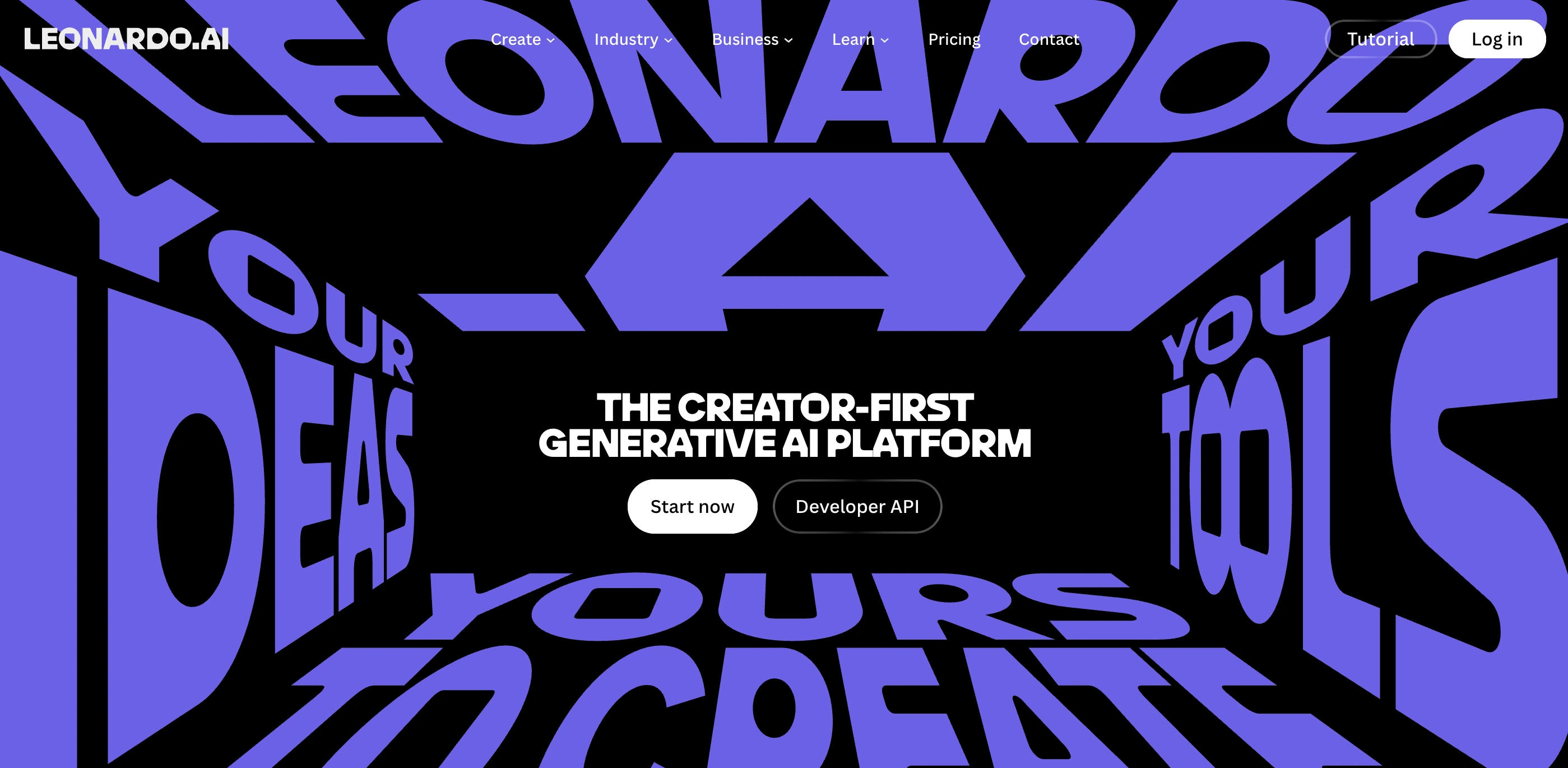
11. Leonardo.AI — best for consistent creative asset generation
Leonardo.AI is rated 4.8 stars across 5,400 G2 reviews, making it one of the most validated tools in this category by a significant margin. The AI Canvas feature enables precise in-painting and out-painting for detailed editing within generated images. It supports custom model training so teams can train on their own brand assets and produce consistent output across a full campaign rather than a collection of individually good but unrelated images.
Inconsistency is the real problem with most AI generators for design work. Every output looks slightly different from the last, which makes it difficult to use generated assets across a campaign without heavy manual cleanup. Leonardo's model training feature is the most practical solution to that problem currently available at this price point.
Top features:
- AI Canvas feature enables in-painting and out-painting for precise, non-destructive editing within generated images
- Custom model training allows you to train on your own brand assets to produce consistent outputs across a campaign
- Choose from different generation models within one interface based on the output type
Pricing: Free tier available; Apprentice from $12/mo; Artisan from $30/mo (annual)
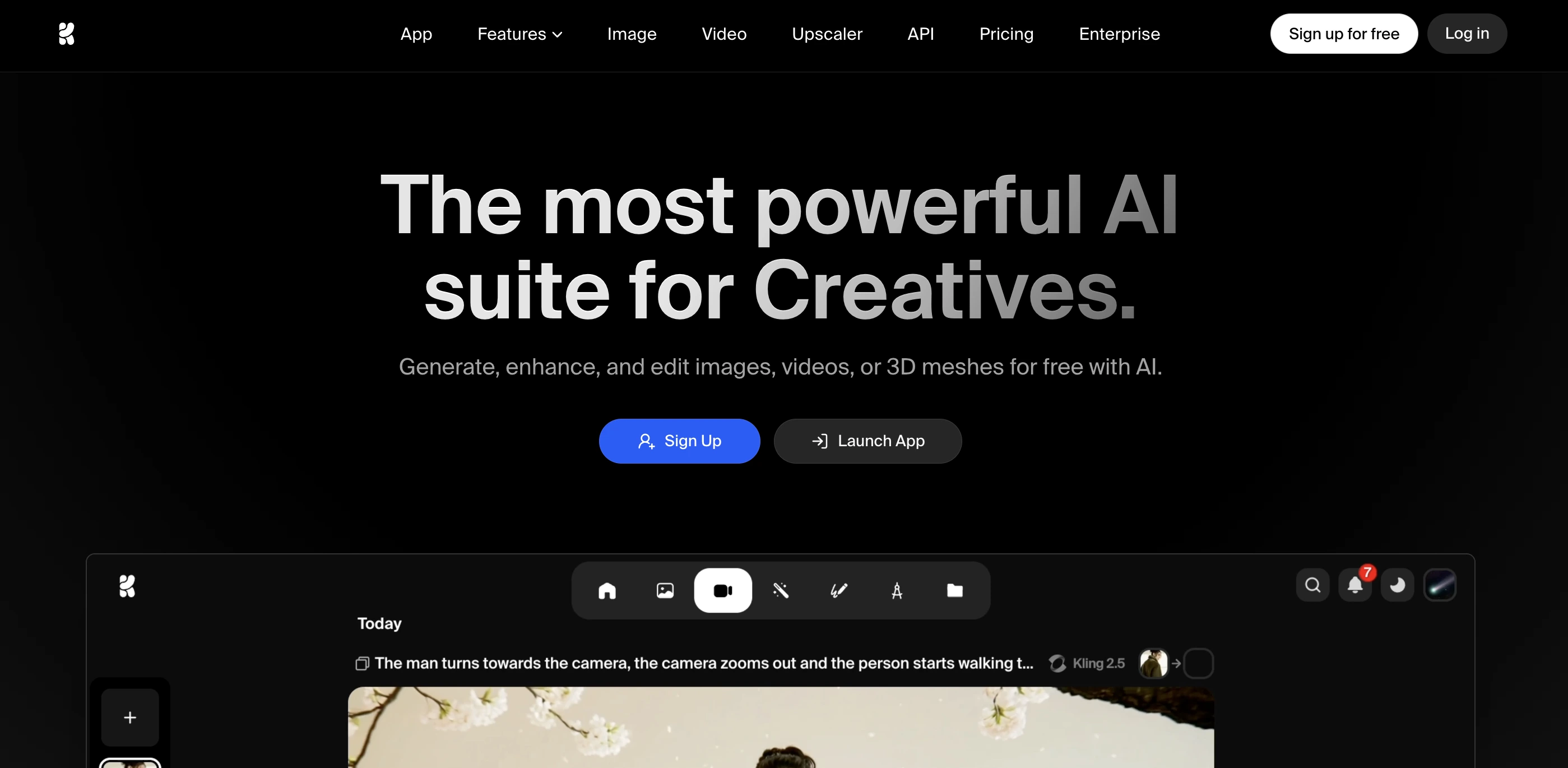
12. Krea AI — best for visual exploration and real-time generation
Krea AI generates images as you type the prompt rather than waiting for a full generation cycle. That real-time feedback loop makes it the fastest tool for exploring visual directions and testing style combinations before committing to a final output. No other major tool at this price point offers this.
For designers in the ideation phase, creators testing visual styles quickly before investing time in production, and anyone who wants to explore options without burning through credits on full generations, Krea is the practical first step before moving to a production tool.
Top features:
- Real-time generation enables image updates as you type, showing direction changes instantly without waiting for full renders
- Style exploration is quite strong for testing different visual directions quickly before committing to a final style
- Upscaling and enhancement features refine generated images to production quality from within the same tool
Pricing: Free tier available; Pro from $10/mo (annual)
13. Pebblely — best for AI product photography
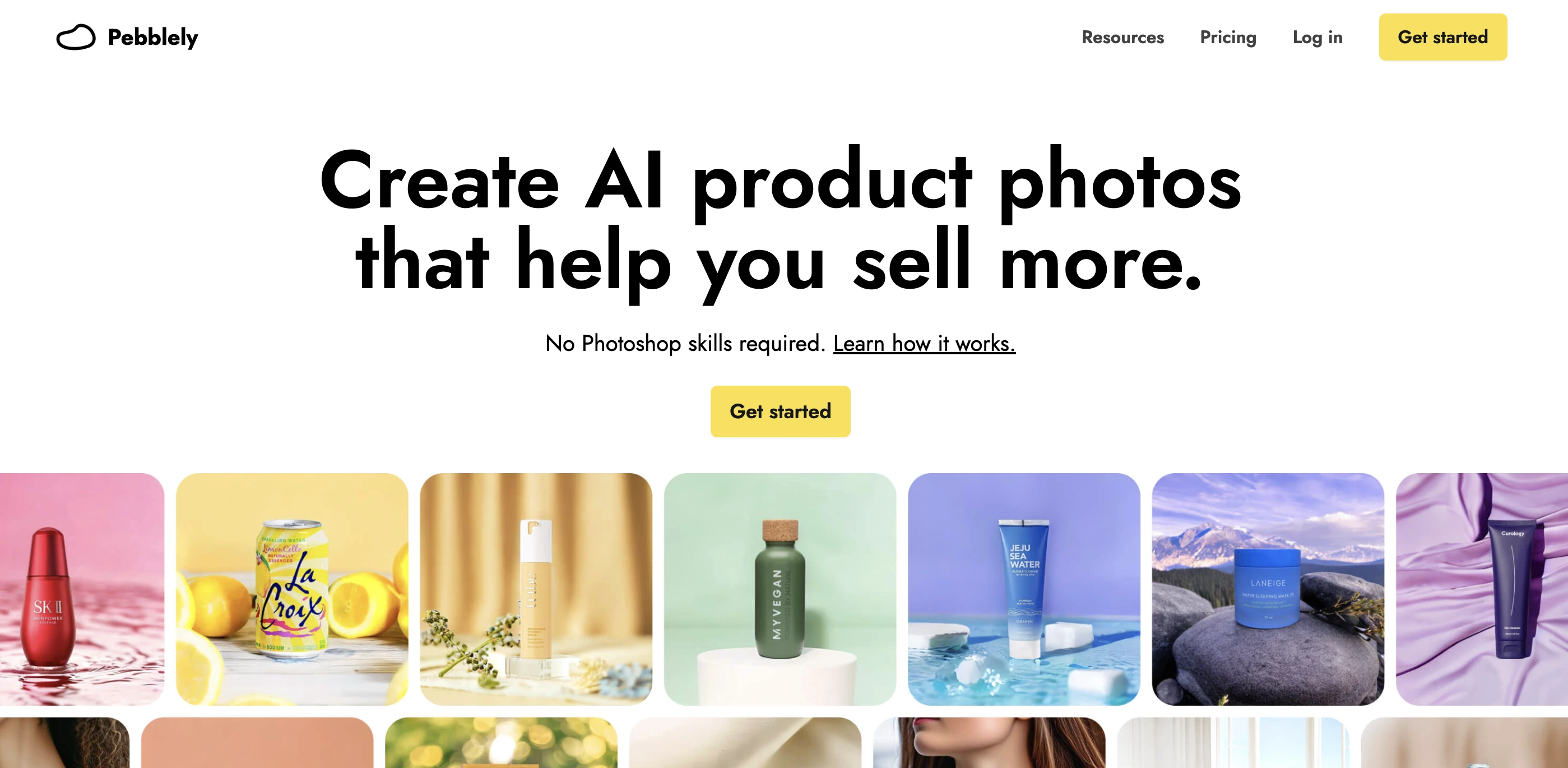
Traditional product photography is expensive, slow, and logistically complex. For a small e-commerce brand or a freelancer creating product content for clients, booking a photographer and a studio for every new product is not realistic. Pebblely comes as a solution to this problem. From plain inputs, it generates a lifestyle or studio shot that looks like it was professionally photographed. Outputs are Shopify-ready and commercially usable.
Top features:
- Scene generation creates lifestyle and studio shots from a plain product photo and a scene description
- E-commerce-ready export at the resolution and format required for listings
- Multiple background options from a single product image for testing
Pricing: Free tier (40 images/mo); Pro from $19/mo (annual)
💡 Also worth knowing: PhotoRoom handles free background removal and quick product image editing. CSM.ai converts product photography into 3D assets for brands moving into 3D product visualization.
More AI design tools worth knowing
The 13 tools above cover most workflows. Here's a concise rundown of every other tool worth knowing, organized by category.
Graphic and image generation
Typography and color
UI/UX and web
Motion and ad creative

We have found an interesting resource that can turn your product photos into videos. Feel free to add this to your motion tool stack!
3D design
{{cta}}
What are AI design tools?
AI design tools are software platforms that use machine learning to generate, edit, or automate visual design work. They cover graphic design, UI/UX, web design, typography, product photography, and 3D creation. Most combine generative models with traditional design editing in a single workflow, so you're not just generating images but working with them.
They're used by two very different groups of people. Professional designers use them to speed up the mechanical parts of their workflow and explore directions faster. Non-designers use them to produce output that used to require a designer altogether. The tools that serve both well tend to be the ones worth paying for as a team of designers and non-designers.
The main categories are graphic and image generation, UI and web design, typography and poster design, creative asset production, and product photography. What you need depends entirely on what you're making, which is why this guide is organized by use cases rather than by a simple ranked list.
Why do you need AI design tools?
Here are some bitter truths: using the best AI tools doesn’t make you a better designer. They only remove the parts of design work that eat time without adding creative value — the repetitive, mechanical, volume-heavy parts — and give you more space for the work that actually requires judgment.
Here's what that looks like in practice, depending on who you are:
For freelancers and solo designers:
- Generate three logo directions in the time it used to take to sketch one
- Produce a full set of social graphics from a single brand brief in under an hour
- Test color palettes, font pairings, and layout options without building each one manually
- Create product photography for client deliverables without booking a photographer
- Explore visual styles and campaign directions before committing billable hours to execution
For marketing teams and non-designers:
- Build on-brand social posts, ad creatives, and presentation decks without a designer in the loop
- Resize and reformat any asset for every platform in one click instead of recreating it manually
- Generate background-removed product images for e-commerce listings in minutes
- Turn a text brief into a clickable landing page without writing any code
- Produce enough content volume to stay consistent across channels without burning out
For product and UX teams:
- Go from a written feature brief to a testable UI prototype in hours, not days
- Generate multiple screen variations to test with users before committing to a direction
- Automate repetitive production tasks like layer cleanup, component renaming, and asset export
- Convert hand-drawn sketches into high-fidelity wireframes without manual redrawing
- Validate visual hierarchy with predictive heatmaps before running a real user study
For agencies and design teams:
- Maintain brand consistency across high-volume campaigns using trained style references
- Generate commercially safe visual assets that pass legal review without extra clearance steps
- Produce client-ready mockups and mood boards faster than traditional concepting workflows
- Scale content production across multiple clients without proportionally scaling headcount
- Run faster creative sprints by using AI for concepting and humans for refinement
The tools that become permanent in a workflow are the ones that solve boring and real-life problems really well. That's the standard every tool in this guide was held to.
If you’re looking for AI tools to design your home, check out this blog on our top suggestions of AI tools for interior designing.
Best practices for using AI design tools
Knowing which tools to use is only half the job. Getting outputs that meet the expectation is the other half. Now that we have covered the top AI design tools, let’s have a quick look at how to use them to bring out their best value:
Lock in your brand before you generate
This is the step most people skip and the main reason most AI-generated design needs hours of cleanup. Always document your hex codes, font stack, tone, and visual references before opening any tool. Tools like Kittl and Recraft have reference-based brand systems built in. For tools that don't, paste visual examples and style descriptions into the prompt as context. The clearer the brief, the cleaner the first-pass output.
Use the right tool for the right job
Stacking the wrong tool for the wrong job is the most common reason designers get outputs that need extensive editing. Use Reve when prompt precision matters, Ideogram when text in the image has to be accurate, Recraft when you need a scalable vector, Freepik when you need stock and generation in one place, and Canva when you need it done in five minutes. Think of each tool as a specialist, not a generalist, and design your work accordingly.
Always do a typography pass
Even the best generators struggle with text rendering at production quality. For any design where visible typography matters, run the output through tools like Ideogram for text accuracy, or do a manual typography pass in Canva or Figma after generation. This one step separates outputs that look AI-generated from ones that look designed.
Understand what commercially safe actually means
Not all AI image tools are equal for professional use. Adobe Firefly is the only major generator offering IP indemnification. Recraft and Kittl produce strong branded outputs but do not carry legal protection. Stable Diffusion-based tools carry the most uncertainty. For anything going into a paid ad, a client deliverable, or a product that ships, check the tool's licensing documentation before you publish. Content credentials are an emerging metadata standard worth paying attention to as platform disclosure requirements tighten across major channels.
Build a workflow, not a collection of tools
The full stack workflow for most design projects looks like this: visual direction and ideation in Krea AI, production assets in Reve or Leonardo, branded graphics in Kittl or Freepik, typography-heavy work in Ideogram, vectors in Recraft, final layout and polish in Canva or Figma. Knowing where each tool should be placed in that sequence stops you from running five overlapping tools and missing the one that would have saved an hour.
Test on your actual use case before subscribing
Almost every tool on this list has a free tier or trial. Run your real project through the free version before paying. You should thoroughly verify which tool produces the best result for your specific type of work. That answer is different for a logo designer than for a UX researcher, and different again for a social media manager. That’s why, always test before you pay.
Recommended tool stacks by user type
For solo designer or freelancer on a budget
🛠️ Tools: Canva Free + Krea AI free tier + Ideogram free tier + Framer free tier
💵 Total cost: $0/mo
📈 Value: Covers graphic templates, fast image exploration, accurate text-in-image work, and a published web presence
For brand designer or content creator
🛠️ Tools: Kittl ($10/mo) + Freepik AI ($7/mo) + Ideogram ($8/mo) + Leonardo.AI ($12/mo)
💵Total cost: approximately $37/mo
📈 Value: Covers branded graphic production, stock and generation in one place, poster and typography work, and consistent campaign asset generation, all without the expensive enterprise tools
For product designer or startup team
🛠️ Tools: Figma AI ($15/user/mo) + Galileo AI ($29/mo) + Framer ($20/mo) + Canva Pro ($15/mo)
💵 Total cost: approximately $79/mo
📈 Value: Covers UI design, rapid prototyping, web publishing, and marketing collateral from one integrated workflow
For agency or design team
🛠️ Tools: Adobe Creative Cloud All Apps ($54.99/mo) for Firefly and the full suite + Figma Organization plan for team collaboration + Leonardo.AI team plan ($49/mo) + Recraft for vector assets + Pebblely ($19/mo) for product photography
💵 Total cost: approximately $188/mo
📈 Value: Full commercial safety, team collaboration, and coverage across every output type a design team regularly produces
Conclusion
The designers getting the most from AI in 2026 are not the ones using the most tools. They're the ones who picked the right tool for each job, built a repeatable workflow around it, and stopped evaluating new ones every week.
The tools in this guide are not hype. They have real free tiers, real use cases, and real limitations worth knowing before you subscribe. The subscription regret that comes from paying for something that doesn't fit your actual work is avoidable if you test on your real use case first.
🤖 For step-by-step tutorials on how to use any of these tools with exact prompts and exact settings, check out the tutorials on AI Creator. Every workflow is documented so you can recreate the output yourself, no experience required!
FAQ
What is the best free AI design tool in 2026?
For graphic design, Canva Free covers most standard social and marketing design needs. For image generation, Krea AI and Ideogram both have functional free tiers. For UI design, Figma has a free tier for individuals. For website building, Framer's free plan covers basic publishing. A stack of all four costs $0/mo and covers the core use cases for most beginners.
Can AI replace graphic designers?
Not in any meaningful sense for complex, strategic, or brand-critical work. AI tools handle the mechanical and volume-heavy parts of design well, such as first drafts, variations, resizing, and repetitive asset production. The judgment, strategy, brand understanding, and creative direction that make design work effective still require a human. The designers at most risk are those doing purely production work without developing the strategic layer. The ones benefiting most are those using AI to do more of the work that requires judgment by offloading the work that doesn't.
What AI design tools do professionals actually use in 2026?
The most common tools in professional workflows are Figma AI for UI and product design, Adobe Firefly for commercially safe asset generation, Canva Magic Studio for fast marketing collateral, Leonardo.AI for consistent campaign asset production, and Midjourney for artistic direction and mood boarding. Kittl and Ideogram are growing fast among brand designers and social content creators.
Which AI tool is best for creating logos?
Kittl is the strongest purpose-built option for logo exploration with its text effects and brand-ready output. Recraft produces native SVG files, which are the format logos actually need to be in. Ideogram handles text-in-logo accuracy better than most generators. For a logo brief, the practical workflow is: explore directions in Kittl, refine the vector in Recraft, then do a final polish in Illustrator or Figma.
What is the difference between Reve and Adobe Firefly?
Reve leads on prompt adherence, meaning its outputs match the brief more precisely than most competing generators. Adobe Firefly leads in commercial safety, being the only major generator offering IP indemnification for enterprise users. Reve is the stronger tool for designers who need precise outputs. Firefly is the stronger tool for brands and agencies where legal clearance is a requirement. They solve different problems and are not direct competitors in practice.
How do I use AI tools without my designs looking obviously AI-generated?
Four things: lock in your brand voice and visual references before generating, always edit outputs rather than publishing first drafts, do a manual typography pass on any text-in-image work, and use reference-based systems like Recraft or Kittl to maintain visual consistency across a set of assets. Generic prompts produce generic output. The more specific the brief, the less the output looks like it came from a template.
.png)