
Here's what nobody tells you about AI tools for social media:
Having too many of them is just as bad as having none.
Most people end up in what we call tab chaos, jumping between Canva, ChatGPT, a scheduler, a video editor, and some caption tool they found on Reddit, spending more time managing tools than actually creating content. As a result, the output ends up looking like an AI dump, and the workflow burns more time than it saves.
To help you with this struggle, we have created this list of the top 9 AI tools for social media across different categories, such as content creation, scheduling, video, visuals, analytics, community management, and social listening. We have further covered:
- The top use cases of these tools
- Feature highlights and pricing information
- Best way to use them
- Pitfalls to avoid
Let’s dive in!
Quick comparison table
👋🏼 Quick note: pricing and packages are susceptible to updates. Hence, we request you to double-check before making any decision!
The 9 best AI tools for social media (one per category)
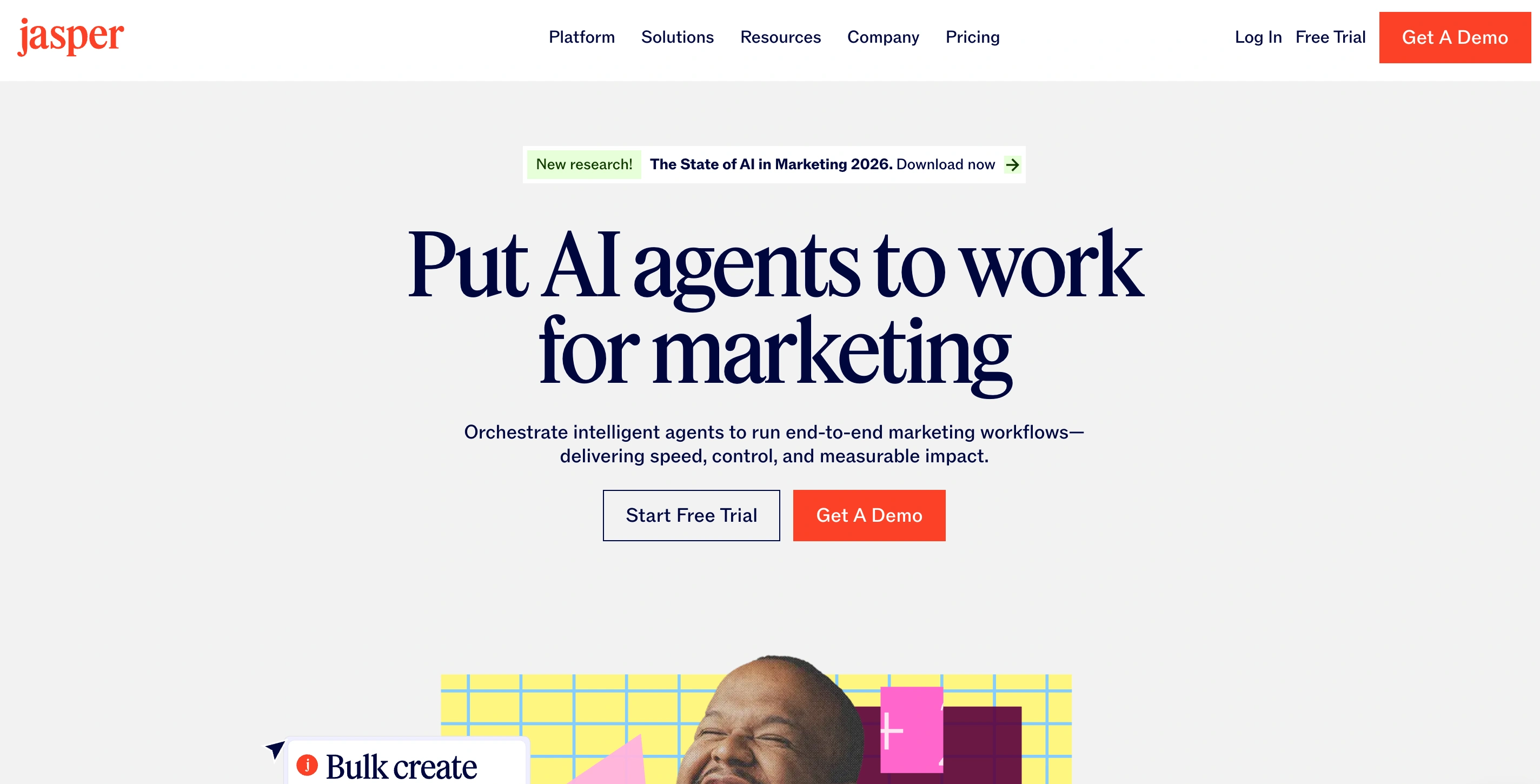
1. Jasper AI — best for content creation
Jasper is built for marketing teams that need to produce content in bulk but can’t compromise on their brand voice. You feed it your brand guidelines, tone, audience profiles, and product details, and it generates captions, post copy, ad hooks, and long-form drafts that actually sound like you.
If you're a solo creator writing one post a day, Jasper might be a bit of overkill. But if you're managing content for multiple brands, running campaigns across channels, or working with a team that needs consistency, it's the perfect tool for you.
Top features:
- Jasper can learn your brand voice by analyzing uploaded content and applying the tone consistently across all outputs.
- Knowledge Assets allow you to store product details, brand guidelines, and audience data so that generated content is accurate and contextually relevant.
- Multi-platform templates provide ready-to-use formats for LinkedIn posts, Instagram captions, Twitter/X threads, and ad copy.
- The AI App Builder enables no-code workflow creation for repeatable content tasks, reducing the need to prompt from scratch each time.
Pricing: Creator from $39/mo (annual); Pro from $59/mo; Business custom pricing; 7-day free trial on Creator and Pro
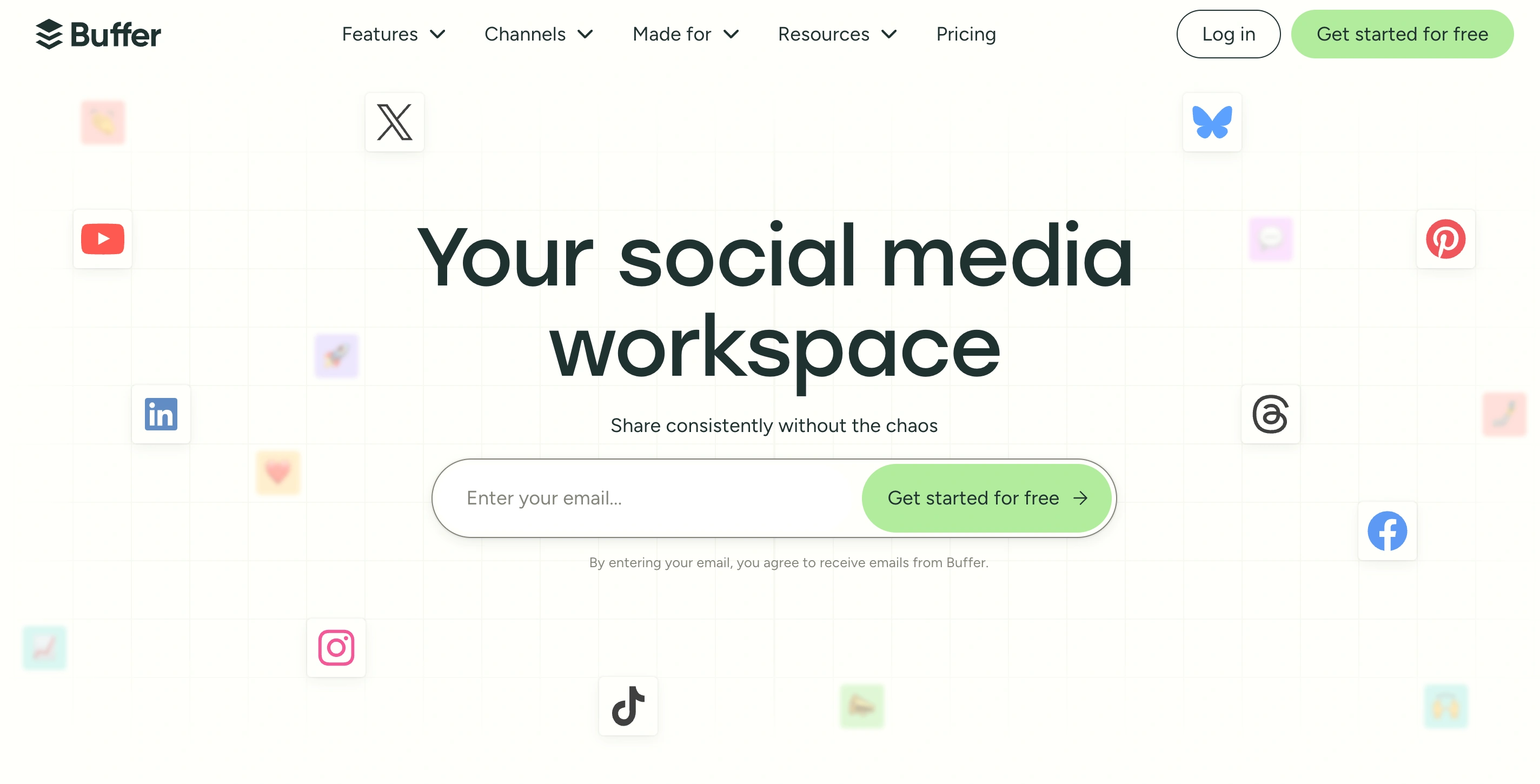
2. Buffer — best for scheduling and management
The specialty and main use case of Buffer is that it gets your content out on time, to the right platforms, without you having to learn a new interface for three days. Recently, they have added an AI content writing integration that can be pretty useful if you don't want to jump between tabs. The per-channel pricing model makes it affordable for small teams and solo creators.
For enterprise teams that need social listening or advanced analytics baked in, this might not be the perfect tool — although they are rolling out analytics updates recently. But if you're a freelancer, a small business owner, or a content creator managing under 10 channels, Buffer can be a great option for one-stop content writing and scheduling.
Top features:
- The AI Assistant can suggest caption variations, rewrite text for different tones, and generate ideas directly within the composer.
- Start Page provides a free link-in-bio tool integrated into Buffer without requiring a separate subscription.
- Analytics features include engagement data, best posting time suggestions, and post performance breakdowns per channel.
- Approval workflows in the Team plan allow review steps before posts go live, ensuring brand compliance.
Pricing: Free plan (3 channels); Essentials from $5/mo per channel; Team from $10/mo per channel
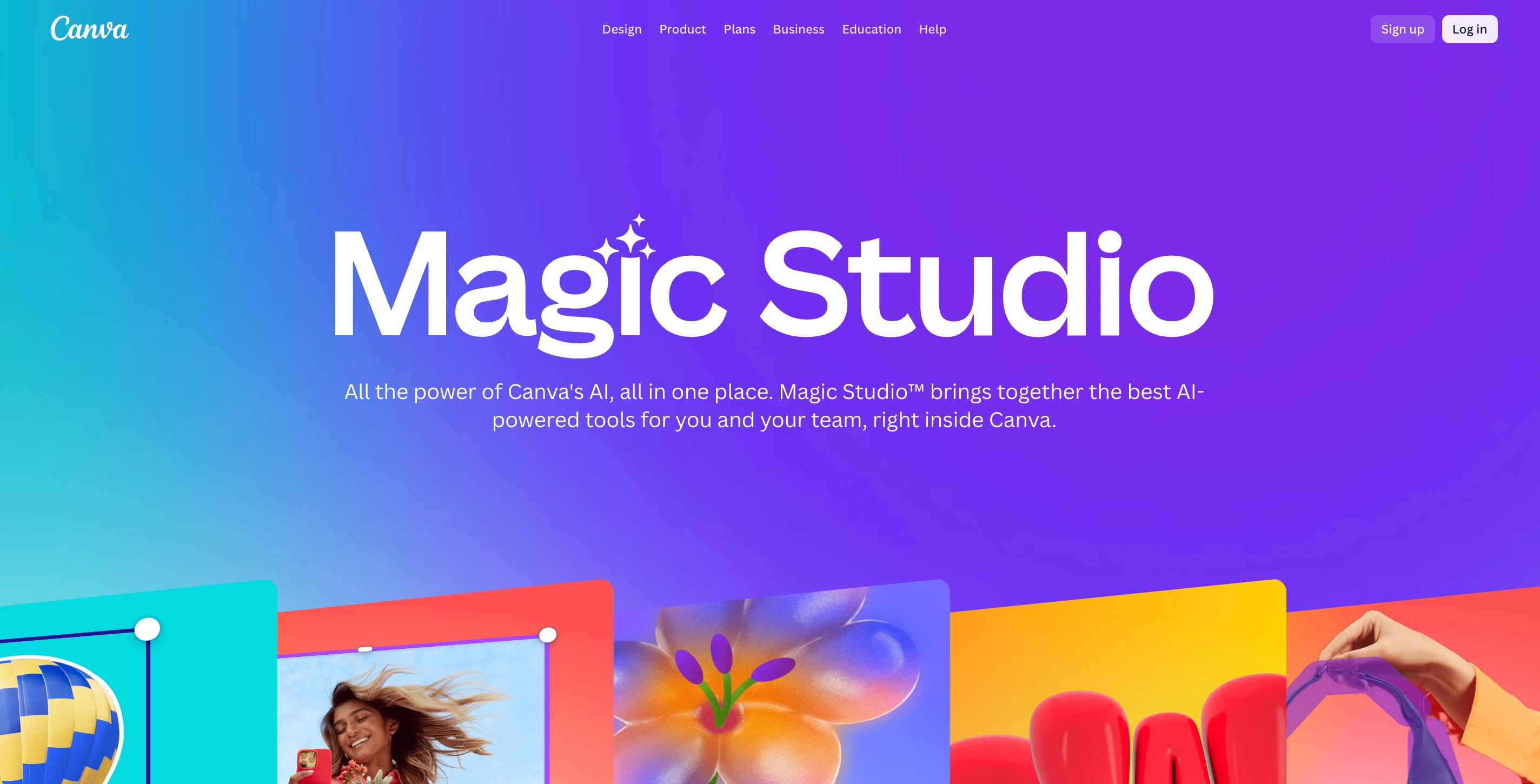
3. Canva Magic Studio — best for visuals and design
Canva is already where most creators and marketers with minimal design knowledge build their social graphics. Magic Studio is the AI layer on top of it, and it's genuinely useful rather than gimmicky. You get 25+ AI tools built into the same interface you're already using, which means no tab switching, no exporting, no re-uploading.
For beginners, it's the only image tool you need. For more advanced creators, it handles the fast, practical work, branded templates, resizing for different platforms, and background removal, so you can save the more involved generation for tools like Firefly, Krea, or Midjourney.
Top features:
- Magic Design generates on-brand social posts, carousels, and presentations from a text prompt.
- Magic Resize automatically adjusts any design to multiple platform formats with one click.
- Background Remover enables clean cutouts for product images and portraits.
- Magic Write provides AI copywriting for captions and short text directly within the design canvas.
Pricing: Free plan available; Pro from $15/mo per user; Teams from $10/user/mo (3-user minimum)
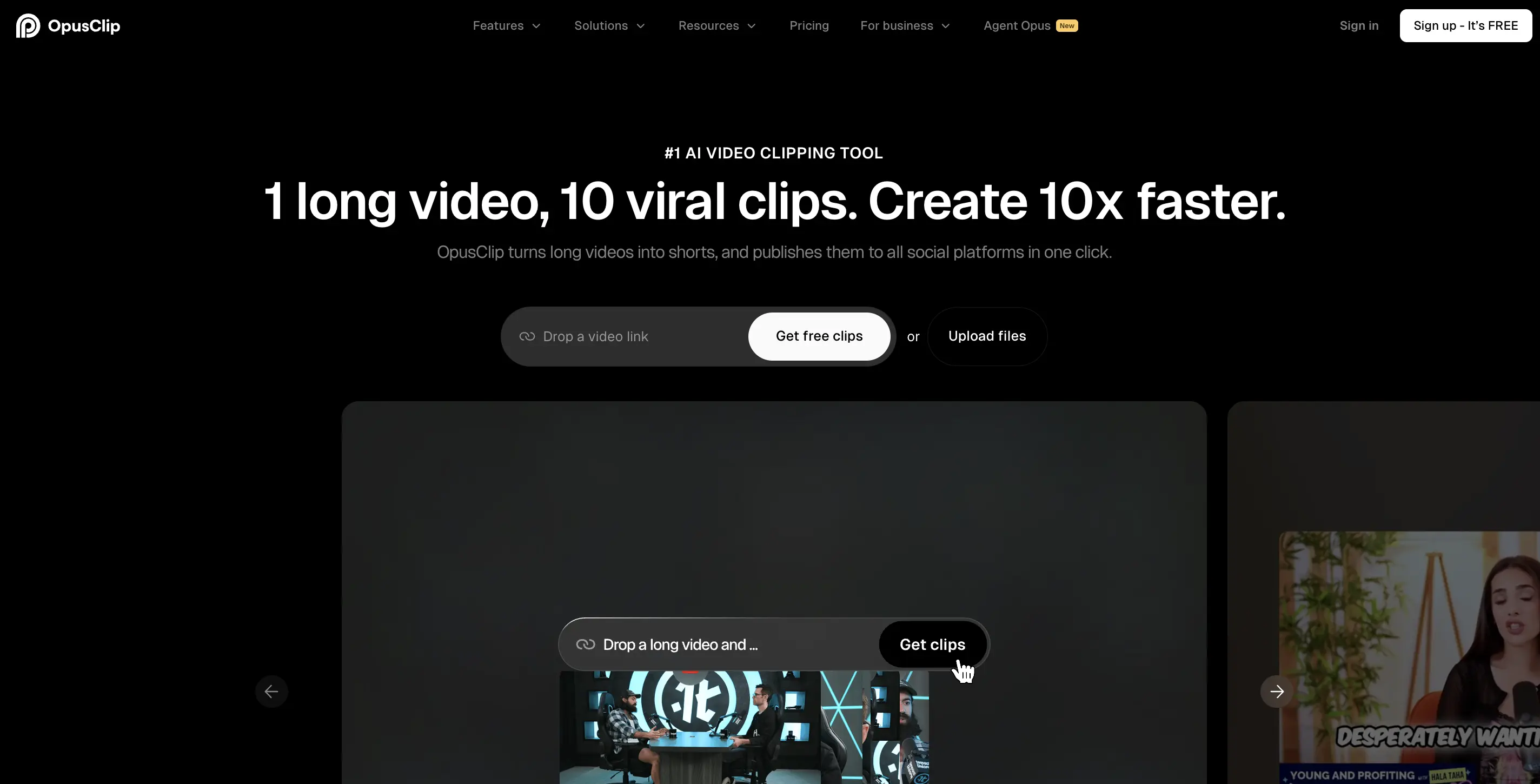
4. Opus Clip — best for short-form video
If you create any long-form video content, podcasts, webinars, YouTube videos, or interviews, Opus Clip is the most practical tool on this list. You paste a link or upload a file, and it finds the most engaging moments, cuts them into clips, adds captions, reformats for vertical, and scores each clip for viral potential.
The virality scoring is a solid starting filter. In testing, the clips it ranks highest tend to have the strongest hooks. You still get to review them, but you won’t have to watch 60 minutes of footage to find three usable moments.
Top features:
- AI Clipping identifies the most engaging segments of long-form videos using natural language processing.
- Virality Score ranks each clip based on predicted engagement potential to help creators prioritize content.
- Auto Captions generate accurate captions with speaker identification, word-level highlighting, and style customization.
- Direct publishing allows clips to be scheduled and posted on TikTok, Instagram, YouTube Shorts, and LinkedIn from within Opus Clip.
Pricing: Free plan (60 min/mo processing); Starter from $19/mo; Pro from $49/mo; 7-day free trial on Pro
5. HeyGen — best for AI video creation
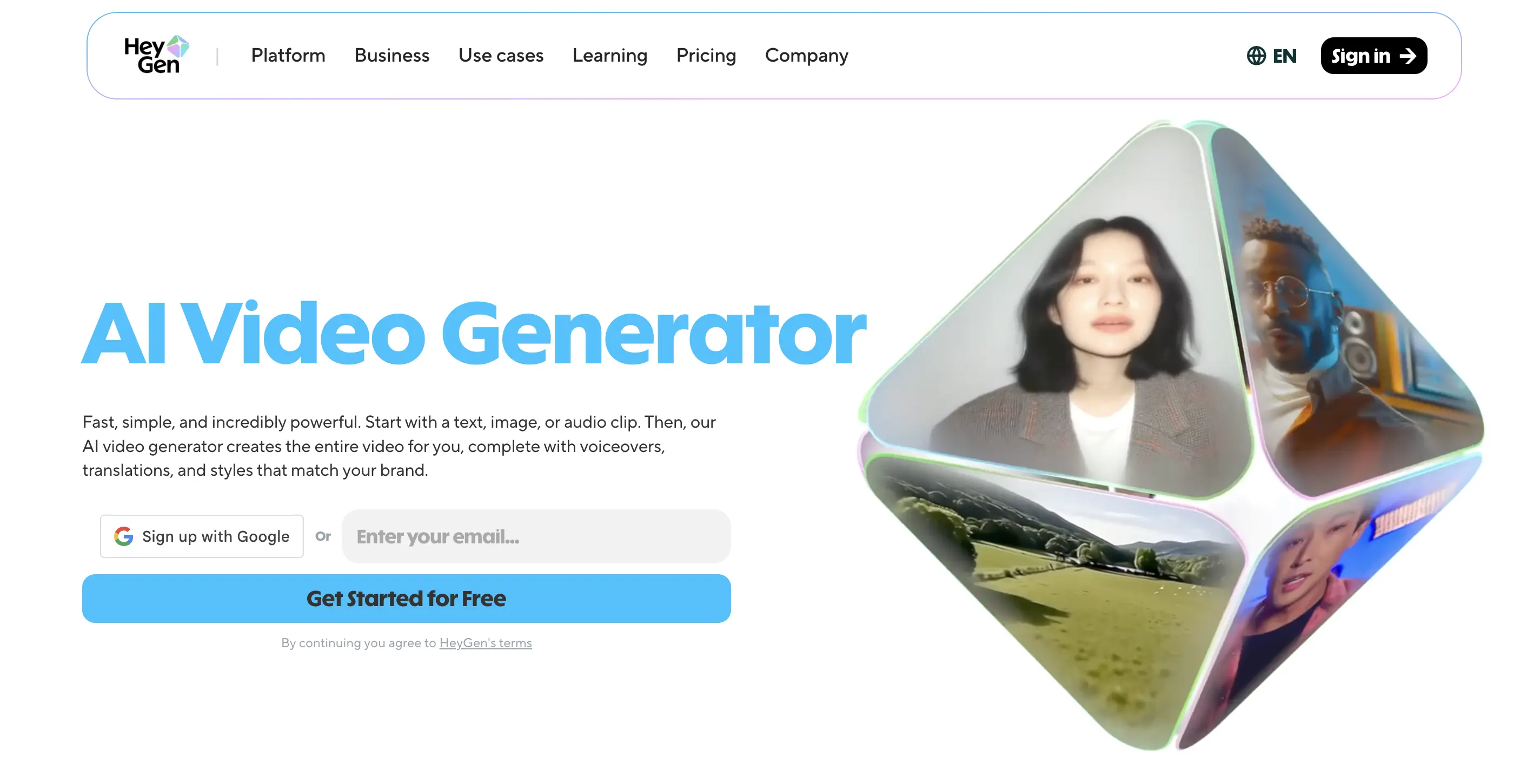
HeyGen is the tool for anyone who wants to produce presenter-style video content without filming. You write a script, choose an avatar (or create one that looks like you), and HeyGen generates a talking-head video with accurate lip sync and natural delivery. It's the core tool behind most faceless media channels producing video content at scale in 2026.
The limitation worth knowing: the free plan is a sandbox. The Avatar IV model, which produces the most realistic output, runs on premium credits that go fast on the entry plan. For creators publishing three to five videos a week, the Creator plan at $29/mo makes sense. For teams or agencies, the Business plan is where the economics improve.
Top features:
- AI Avatars include 500+ stock avatars and the ability to create custom avatars from short video recordings.
- Video Translation automatically translates and re-lips videos into over 175 languages.
- Video Agent can generate a complete video from a simple text prompt without requiring a script.
- Instant Avatar allows users to create a digital twin of themselves for faceless media channels.
Pricing: Free plan (3 videos/mo); Creator from $29/mo ($24/mo annual); Business from $149/mo for teams
6. Brand24 — best for social listening
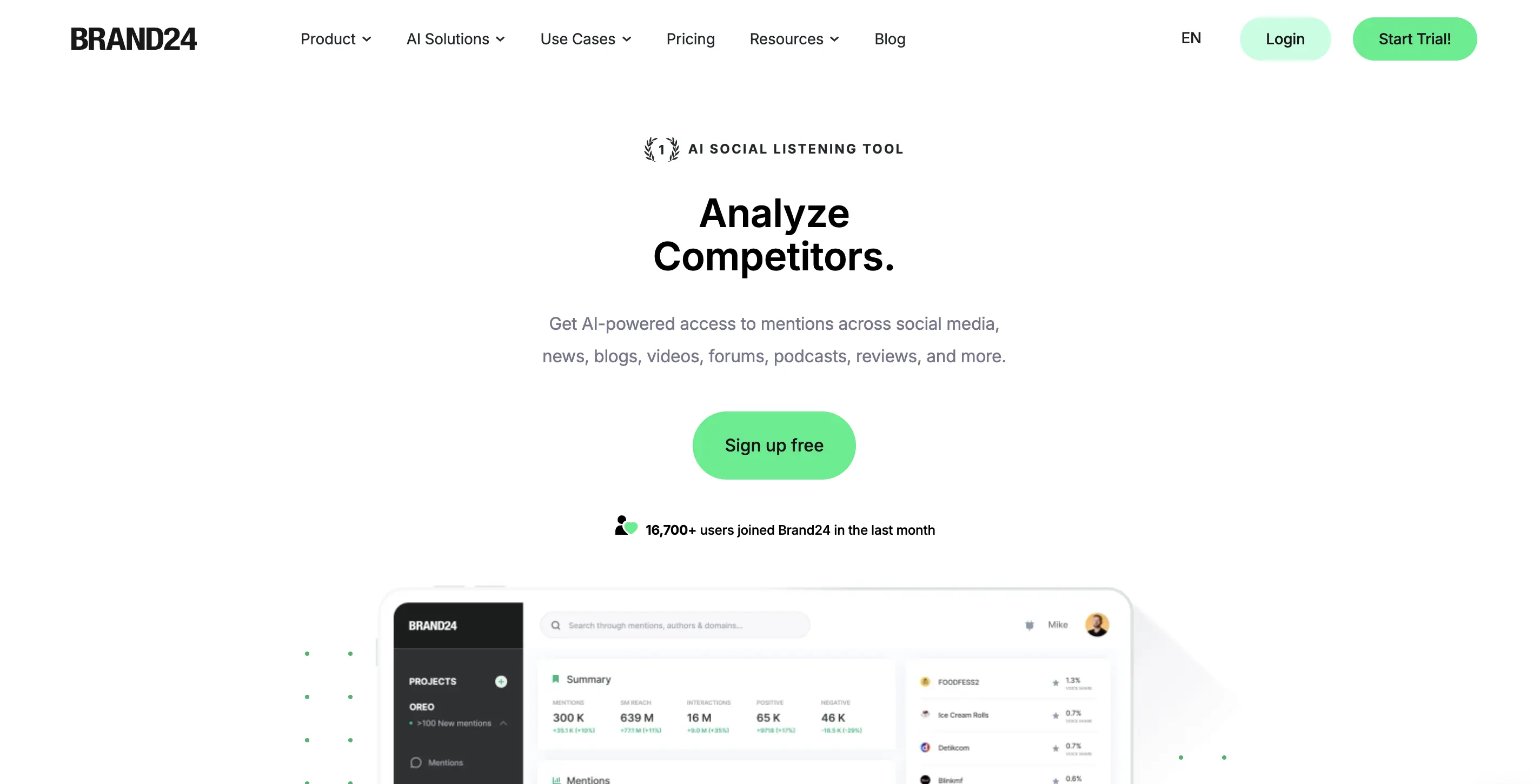
Brand24 monitors what people are saying about your brand, competitors, and industry keywords across social media, forums, blogs, news sites, and review platforms in real time. For most small to mid-size businesses, it covers 90% of what they actually need without the $800/mo starting price of enterprise tools like Brandwatch.
The sentiment analysis is reliable enough to use for actual decision-making. If a product post starts getting negative traction, you’ll be able to know within the same day.
Top features:
- Real-time mention tracking monitors multiple platforms, including Instagram, Twitter/X, Reddit, YouTube, TikTok, news sites, and blogs.
- Sentiment Analysis classifies mentions as positive, negative, or neutral, providing actionable context.
- Presence Score measures the brand’s share of voice relative to competitors.
- AI reports generate weekly summaries and on-demand insights, reducing the need for manual analysis.
Pricing: No free plan; 14-day free trial; Individual from $119/mo; Team from $159/mo; Pro from $239/mo
7. Sprout Social — best for analytics and reporting
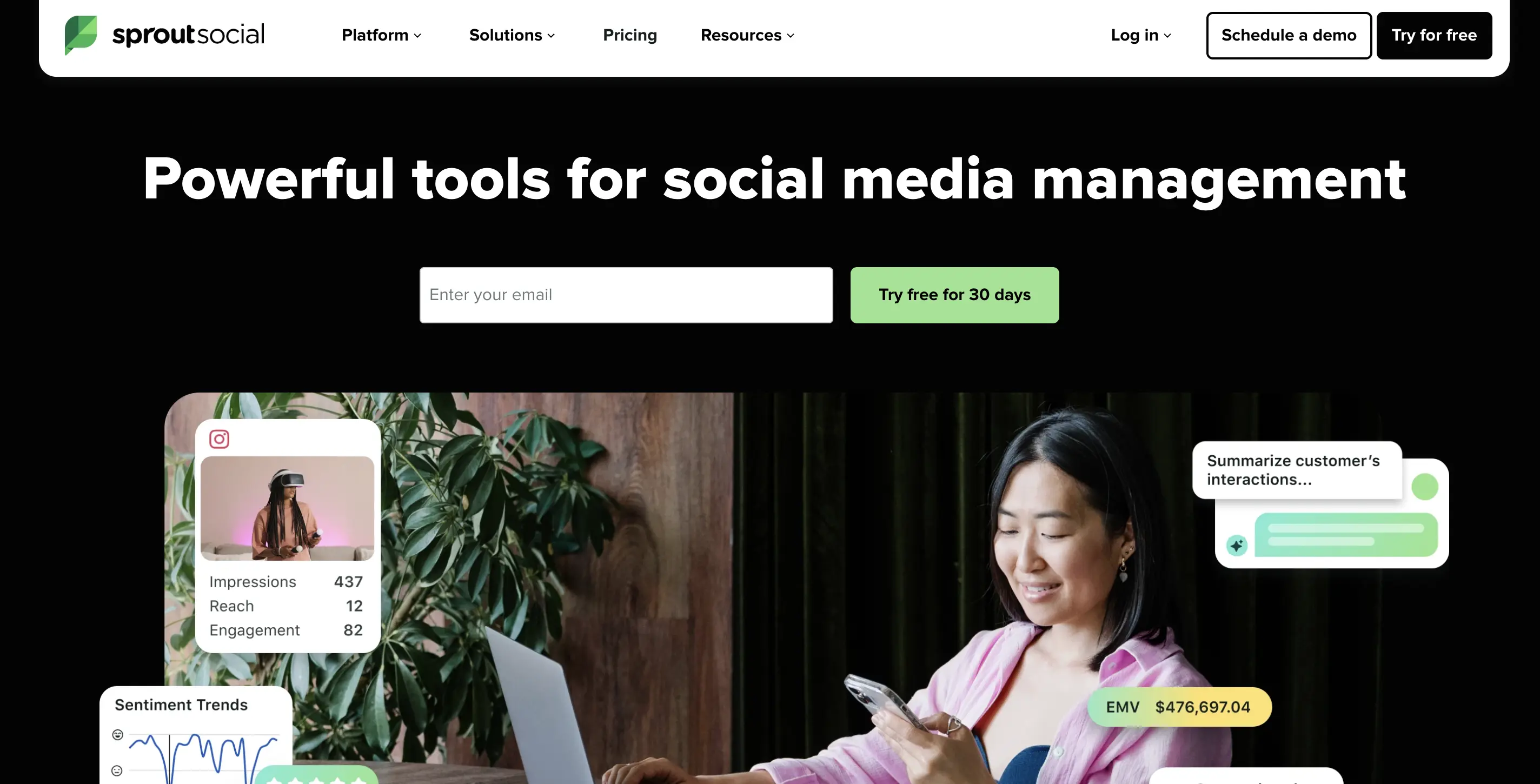
Sprout Social is one of the AI social media tools with solid infrastructure for analytics. It tracks performance across every platform, pulls it into clean dashboards, and generates reports you can hand to a client or a CMO without spending four hours formatting a spreadsheet.
It's on the expensive side, and for solo creators or small businesses, that price is hard to justify. But for agencies managing multiple clients or in-house teams that need real attribution data, it's the most complete analytics suite in this category.
Top features:
- Cross-platform analytics dashboards provide a unified view of Instagram, LinkedIn, TikTok, Facebook, and X performance.
- Listening and sentiment reports track brand health and audience sentiment over time.
- Competitor benchmarking allows comparison of engagement metrics against up to five competitors.
- Automated reporting schedules and sends branded PDF reports to clients or stakeholders
Pricing: 30-day free trial; Standard from $249/user/mo; Professional from $399/user/mo; Advanced from $499/user/mo
8. ManyChat — best for community management
Replying to every DM and comment manually is one of the fastest ways to burn out. ManyChat automates responses to Instagram DMs, Facebook Messenger, and WhatsApp using keyword triggers, conversation flows, and AI-assisted replies. It's especially useful for creators running giveaways, lead magnets, or high-engagement campaigns where the volume of replies makes manual management impossible.
The flows feel natural when set up correctly. You're not replacing genuine conversations; rather, you're handling the repetitive ones, confirming freebies, answering FAQs, sending links, so you can focus on the exchanges that actually need a human.
Top features:
- Keyword triggers automatically respond when specific words appear in comments or messages.
- DM automation enables multi-step conversation flows for lead generation, FAQs, and product discovery.
- AI Intent Recognition interprets the meaning behind messages, reducing missed replies.
- CRM integration connects ManyChat to platforms like Mailchimp, HubSpot, and Klaviyo to automatically update contact lists.
Pricing: Free plan available; Pro from $15/mo (scales with subscriber count)
9. Adobe Firefly — best for commercially safe image generation
Most AI image tools have a copyright problem. Their training data is murky, and using outputs in paid ads or client work carries real legal risk. Firefly is the exception. It was trained exclusively on Adobe Stock, public domain content, and licensed material, which means every image it generates is cleared for commercial use.
More importantly, Adobe offers IP indemnification to enterprise users. This means that if a copyright claim is ever made against an asset you generated with Firefly, Adobe legally covers you. This is why it's the standard for agency work, brand campaigns, and any content that goes through legal review. No other major image generator in 2026 offers this.
Firefly also supports Content Credentials, an emerging metadata standard that tags AI-generated assets with information about how they were made. As platforms like LinkedIn and Meta move toward mandatory AI disclosure, having this built into your workflow now puts you ahead.
Top features:
- Text-to-image generation provides assets that are legally cleared for commercial use.
- Generative Fill allows users to remove objects, expand backgrounds, or replace elements non-destructively.
- Text Effects generate styled typography from prompts for social graphics and ad creative.
- Creative Cloud integration lets users access Firefly inside Photoshop, Illustrator, and Express without leaving their workflow.
Pricing: Included in Creative Cloud plans from $54.99/mo; Standalone Firefly free plan available with limited monthly credits
{{cta}}
More AI tools worth knowing
The nine tools above cover most workflows. But depending on what you're building, here are the others worth having on your radar.
Content creation
Scheduling
Short-form video

We have written a whole guide on the best AI UGC apps and how you can use them to create top notch UGC content. Give it a read!
Visuals and design
For more visual and design tool suggestions, check out this blog on the best AI design tools and apps!
Social listening and analytics
Community management
Want to learn about more AI tools that can help with your marketing? Check out this compilation of 200+ AI tools!
What are AI tools for social media?
AI tools for social media are software products that use machine learning to help you create, schedule, analyze, or manage content across platforms like Instagram, TikTok, LinkedIn, and YouTube.
They don't all do the same thing. The broad categories are: content creation, scheduling and management, visual generation, short-form video, social listening, analytics, and community management. Most people only need one good tool per category, not seven.
The reason these tools exist is simple: social media now demands a volume and consistency of content that one person, or even a small team, cannot sustainably produce alone. The 76% of marketers who report burnout aren't bad at their jobs; they're just under-tooled.
Best practices for using AI tools for social media
Build your stack around one job per tool
The mistake most people make is stacking tools that overlap. Pick one tool per function and use it consistently. A simple stack you actually use beats a complicated one you don't. A workable starting point for most creators would be a writing tool for drafts, a visual tool for graphics, a scheduler for publishing, and a video tool if video is part of your output. Four tools, not fourteen.
Use AI for the first draft, not the final one
AI is fast at generating starting points. It's not good at knowing what's actually true about your brand, your audience, or what happened last week. Use it to generate options, then edit for accuracy, personality, and relevance. The content that performs best is the content that has a point of view. AI doesn't have one, but you do. So combine both for the best results.
Lock in your brand voice before you start generating
This is the step most people skip. If you feed a tool a vague prompt, you get generic output. Before you generate anything, document your tone, your audience, your no-go list, phrases, and formats you want to avoid. Tools like Jasper and Lately AI can store this as a brand voice profile. For tools that don't have that feature, paste your brand guide or a few examples of content you like into the prompt as context. This one step makes the output significantly more usable on the first pass.
Don’t automate what must sound human
Community management automation works well for FAQs, link delivery, and giveaway confirmations. However, it does not work well for genuine conversations, complaints, or situations where someone needs to feel heard. That’s why, set clear rules for what your automation handles and what it escalates. A ManyChat flow that sends a freebie link to everyone who comments "yes" is a time-saver. But a bot that responds to a customer complaint with a canned reply is a liability for your brand.
Use commercially safe assets for anything that goes through review
If you're generating visuals for paid ads, client campaigns, or branded content, the tool you choose matters legally. Most AI image generators were trained on scraped web data, and the copyright status of their outputs is unresolved.
Adobe Firefly is currently the only major image tool that offers IP indemnification, meaning Adobe will legally cover you if a copyright claim is made against a generated asset. Recraft and Kittl are strong for editable vector and branded graphics but do not carry indemnification. If your content is going into an ad campaign or requires client sign-off, Firefly is the step-by-step recommendation.
As platforms move toward mandatory AI disclosure, it's also worth using tools that support Content Credentials, the emerging metadata standard that tags AI-generated assets with information about how they were made. Firefly supports this natively. It's a small thing now, but it will matter more as disclosure requirements tighten across Meta, LinkedIn, and YouTube.
Review outputs for platform fit before publishing
A caption generated for LinkedIn sounds nothing like a caption for TikTok. The audience expectation, length, tone, and format are completely different. Most AI tools generate decent content for a generic social media context, but they don't automatically know which platform you're targeting unless you tell them. Hence, specify the platform, the audience, and the goal in your prompt. Then read the output out loud. If it sounds like marketing copy rather than something a real person would say, edit it until it doesn't.
Measure what you change
If you switch from manual captions to AI-assisted drafts, track whether your engagement rate moves. If you start repurposing long-form video with Opus Clip, watch whether your clip performance differs from your manually edited content.
AI tools are not automatically better. They're faster. Whether faster also means better in your specific context is something only your own data can tell you.
Common pitfalls to avoid when using AI tools for social media
Posting first drafts without editing: AI copy is a starting point, not a final output. Without a human edit, it reads flat, sounds generic, and misses the specific context that makes a post worth engaging with.
Building a stack before you have a workflow: Subscribing to six tools before figuring out your content process is the fastest route to subscription regret. Solve one bottleneck first, get it working, then add the next tool.
Over-automating community management: Auto-replies work for simple, repeatable interactions. They go wrong fast on complaints or nuanced questions where the person needs to feel heard. Set clear escalation rules before you automate anything.
Using the same prompt for every platform: A prompt that produces a good LinkedIn post will not produce a good TikTok caption. Build platform-specific prompt templates rather than reusing one generic input everywhere.
Ignoring output consistency across a campaign: Individual AI-generated images can look great alone but visually mismatched together. Use reference-based tools like Recraft or Leonardo for anything that needs to hold together as a set.
Measuring the wrong things: Track engagement rate and conversions before and after switching to AI-assisted content. Without that baseline, you can't tell whether the tools are improving performance or just saving time.
Recommended tool stacks by user type
For solo creator on a budget
🛠️ Tools: ChatGPT free for drafts + Canva Free for graphics + CapCut for video + Buffer Free for scheduling
💵 Total cost: $0/mo
📈 Value: Covers content drafting, social graphics, short-form video editing, and basic scheduling — everything a solo creator needs to start testing workflows
For small business or freelancer
🛠️ Tools: Jasper AI Creator ($39/mo) or Predis.ai for content + FeedHive ($19/mo) for scheduling with content recycling + Metricool free tier for analytics + Opus Clip ($19/mo) if video is part of the mix
💵 Total cost: $58-$77/mo
📈 Value: Provides AI-assisted content creation, smart scheduling, analytics insights, and short-form video editing for small teams or freelancers
For growing team or agency
🛠️ Tools: Jasper Pro ($59/mo) + Hootsuite or PostEverywhere for scheduling + Brand24 ($119/mo) for social listening + Sprout Social for reporting + HeyGen Creator ($29/mo) for video + Adobe Firefly via Creative Cloud for commercially safe visuals
💵 Total cost: Custom/varies depending on scheduling choice
📈 Value: Covers enterprise-level content generation, scheduling, social listening, reporting, video production, and legally safe visual assets — optimized for growing teams and agencies
Sometimes, brands already know what tools they need and YET, they cannot build their stack for lack of implementation or automation. In such situations, we recommend using an AI agency that can build AI workflows for you.
Conclusion
The tools in this guide are not hype. They're the ones where the novelty doesn't wear off because they're solving real, boring, time-consuming problems. That's the standard worth holding any tool to. And the best next step that you can take after reading this guide is just start with one tool in an area where you’re stretched thin.
🤖 For step-by-step tutorials on how to use any of these tools with exact prompts and exact settings, check out the tutorials on AI Creator. Every workflow is documented so you can recreate the output yourself, no experience required!
FAQ
What is the best free AI tool for social media?
For content, ChatGPT's free plan handles caption drafts, post ideas, and repurposing well enough to get started. For visuals, Canva Free covers most standard social graphics. For video, CapCut is free and handles short-form editing with AI captions. For scheduling, Buffer's free plan covers three channels with basic analytics. Stack all four and your total cost is $0/mo.
Can AI manage my social media accounts?
Partially. AI tools can schedule posts, suggest content, reply to some DMs, and track performance. But content strategy, brand voice decisions, and genuine audience interaction still need a human in the loop. Think of AI as the executor, not the strategist.
What AI tools do social media managers actually use in 2026?
The most common tools are Canva Magic Studio for visuals, ChatGPT or Jasper for copy, Buffer or Hootsuite for scheduling, and Opus Clip for video repurposing. Sprout Social and Brand24 show up frequently for teams that are measuring and listening, not just publishing.
How do I use AI without my content looking like AI slop?
Three things: lock in your brand voice before generating, always edit the output rather than posting the first draft, and add specific details, your real opinions, recent examples, and actual context that AI doesn't have access to. Generic input produces generic output. The more specific you are, the better the result.
Is AI good for social media content creation?
Yes, for the repetitive and high-volume parts: first drafts, caption variations, repurposing existing content into new formats, and generating ideas when you're stuck. It's not a replacement for original thinking, real experience, or the kind of specific insight that makes content worth reading in the first place.
What is the best AI tool for TikTok growth?
Opus Clip for repurposing long content into short clips, CapCut for editing and effects, and HeyGen for building a faceless video output if filming isn't an option. For TikTok-specific scheduling, PostEverywhere and Later both support TikTok natively. None of these guarantees growth on its own. The content still has to be good.
.png)